
Start from whatever you have
Use a note, PDF, screenshot, hard question, topic, or learning goal. PaiNotes can organize existing materials or create study materials when you are starting from scratch.
AI notebook and visual study workspace
Turn notes, PDFs, screenshots, and hard questions into organized knowledge, clear explanations, and focused practice.
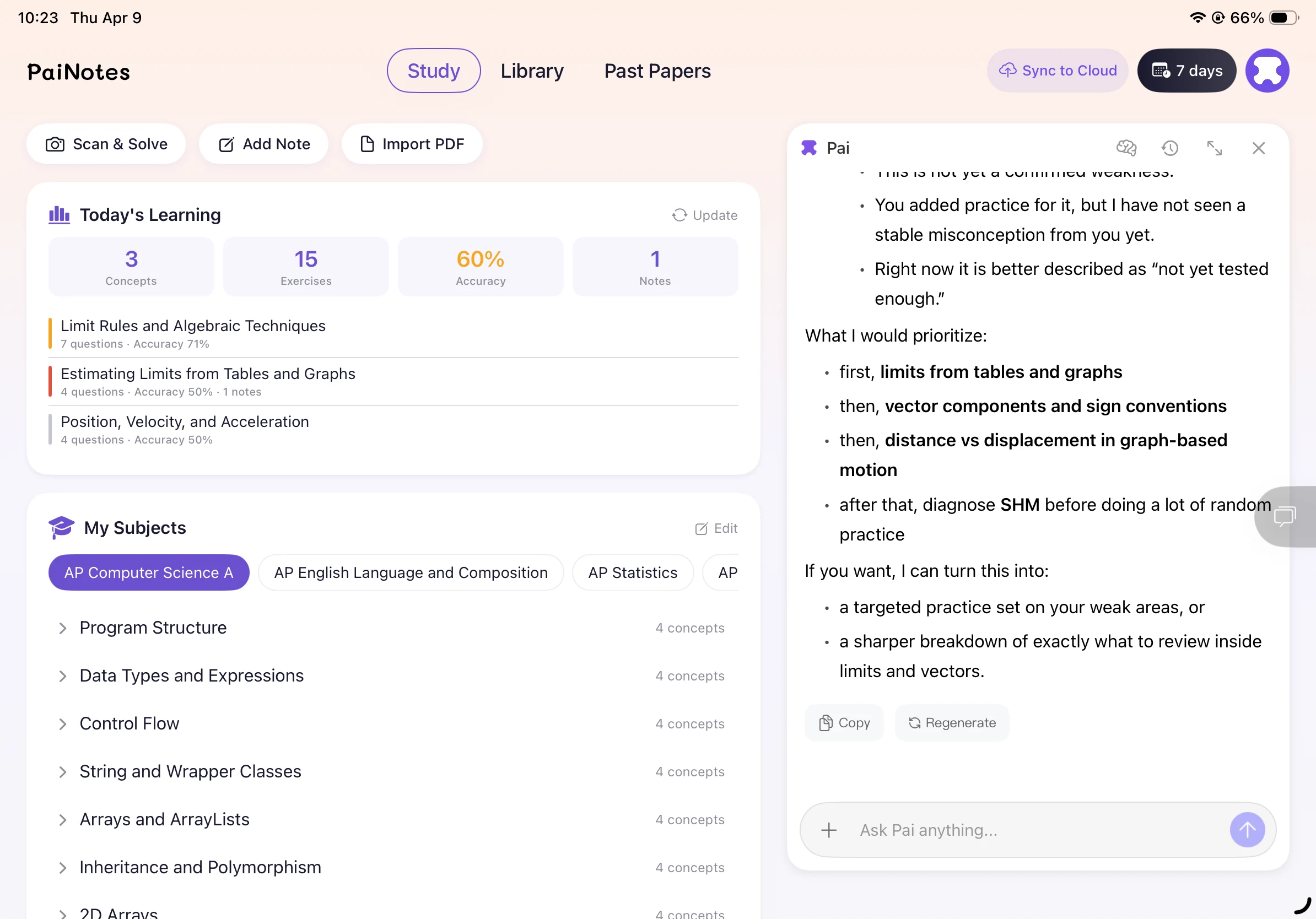
Personalized practice for weak spots
What PaiNotes helps you do
Use a note, PDF, screenshot, hard question, topic, or learning goal. PaiNotes can organize existing materials or create study materials when you are starting from scratch.
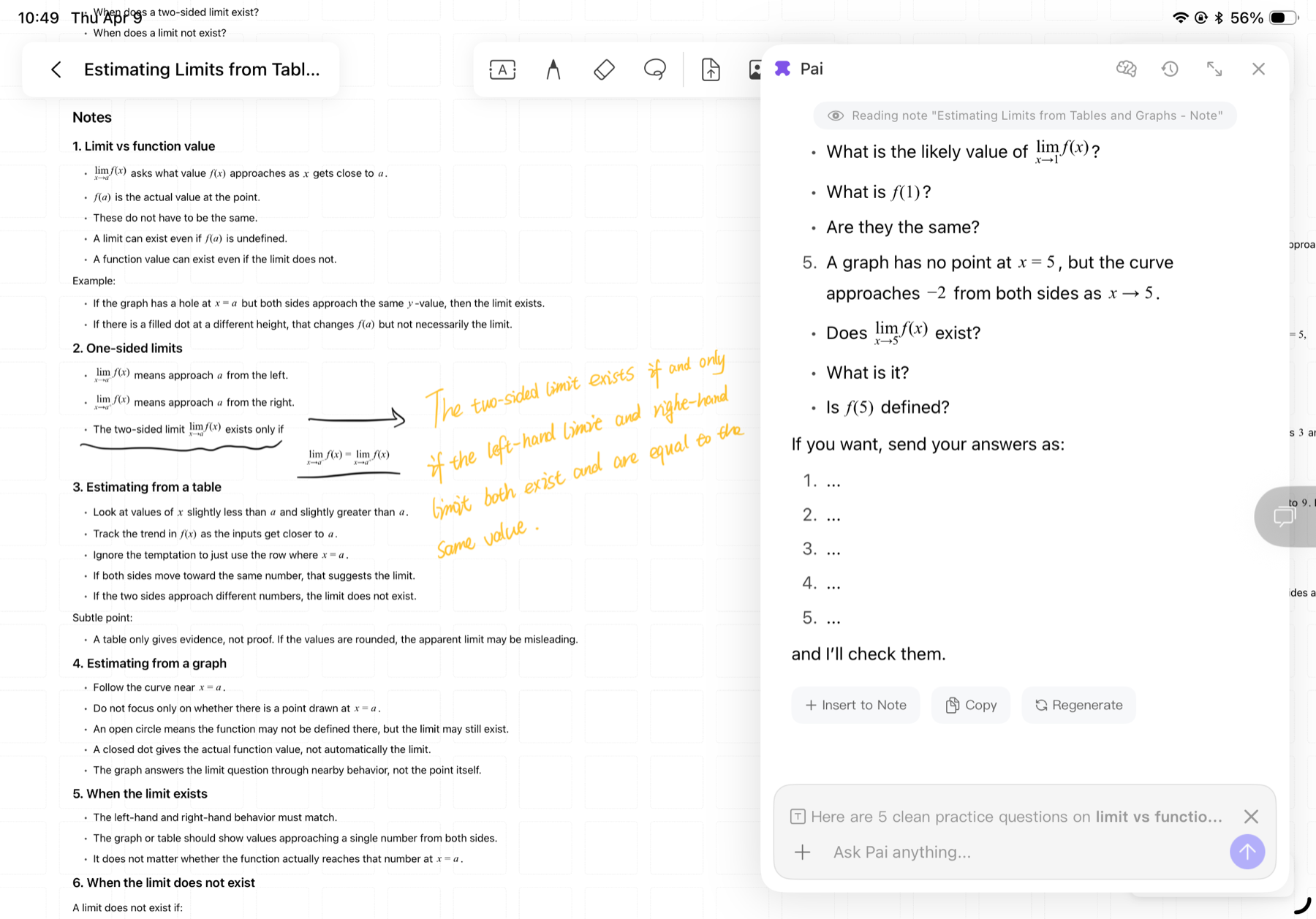
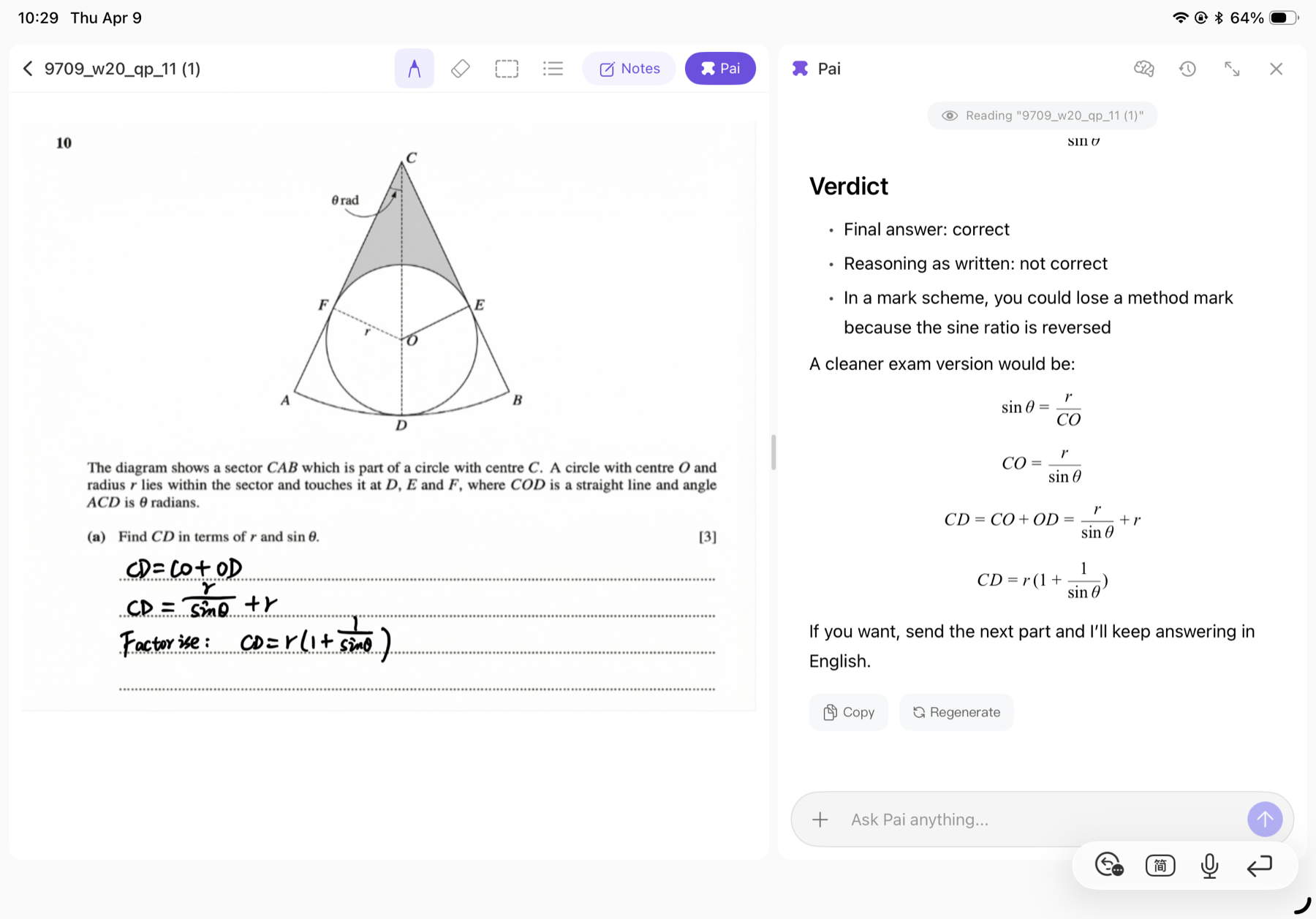
Ask the AI tutor about handwritten notes, PDFs, screenshots, or questions, and get explanations tied to what you are learning.
PaiNotes connects goals, progress, and weak spots, then helps create focused review and practice so you know what to work on next.
Meet Pai
Pai
How it works
Start by telling PaiNotes what you are studying: a topic, question, exam plan, or material. Then it helps you understand, organize, and practice with that context.
Share what you are studying: a topic, hard question, exam plan, or material.
Use AI to unpack concepts, handwritten notes, formulas, and question steps.
Turn the learning context into knowledge points, maps, and notes that are easy to revisit.
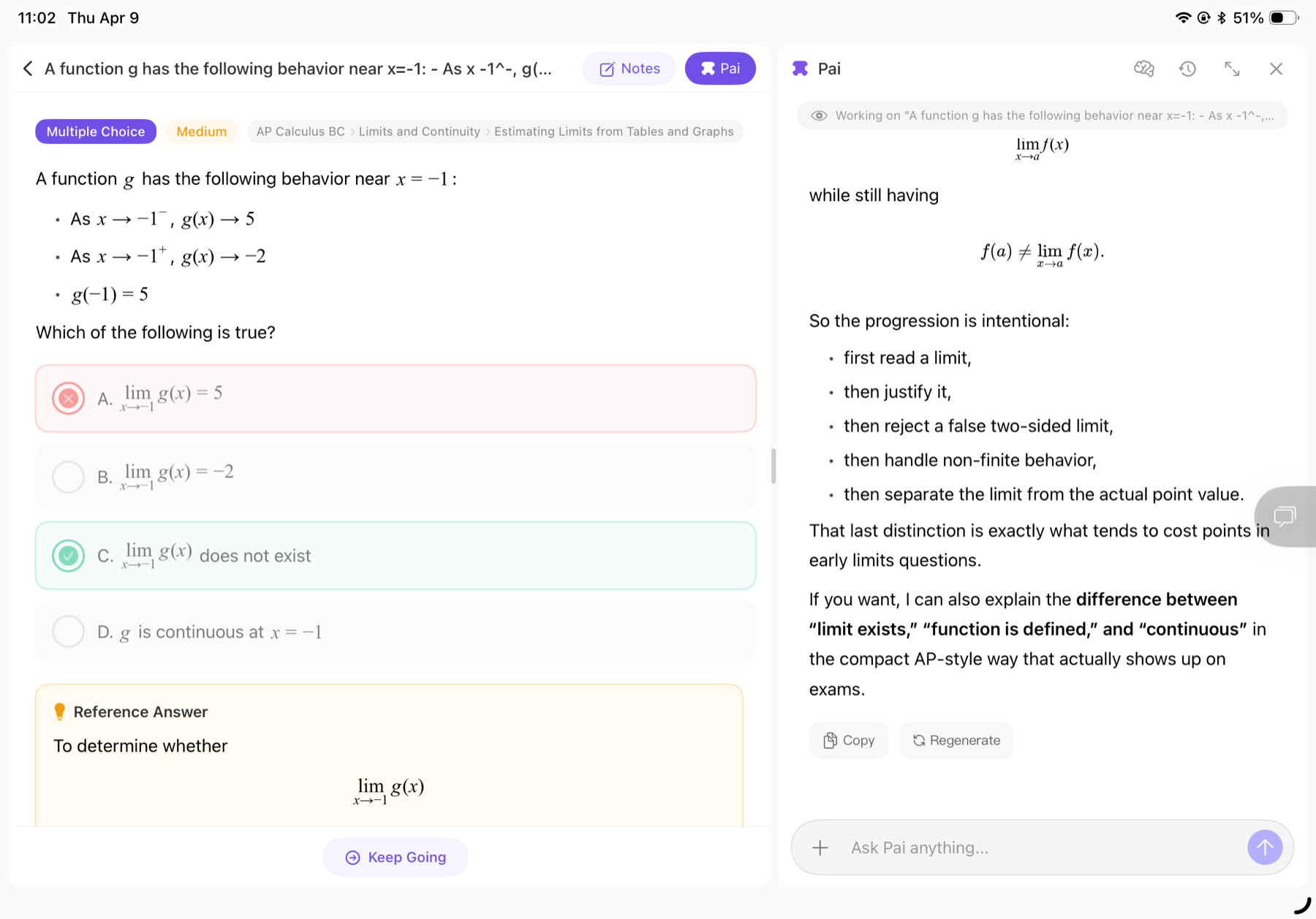
Use goals and weak spots to create focused review and exercises for the next step.
For anyone learning
Product preview
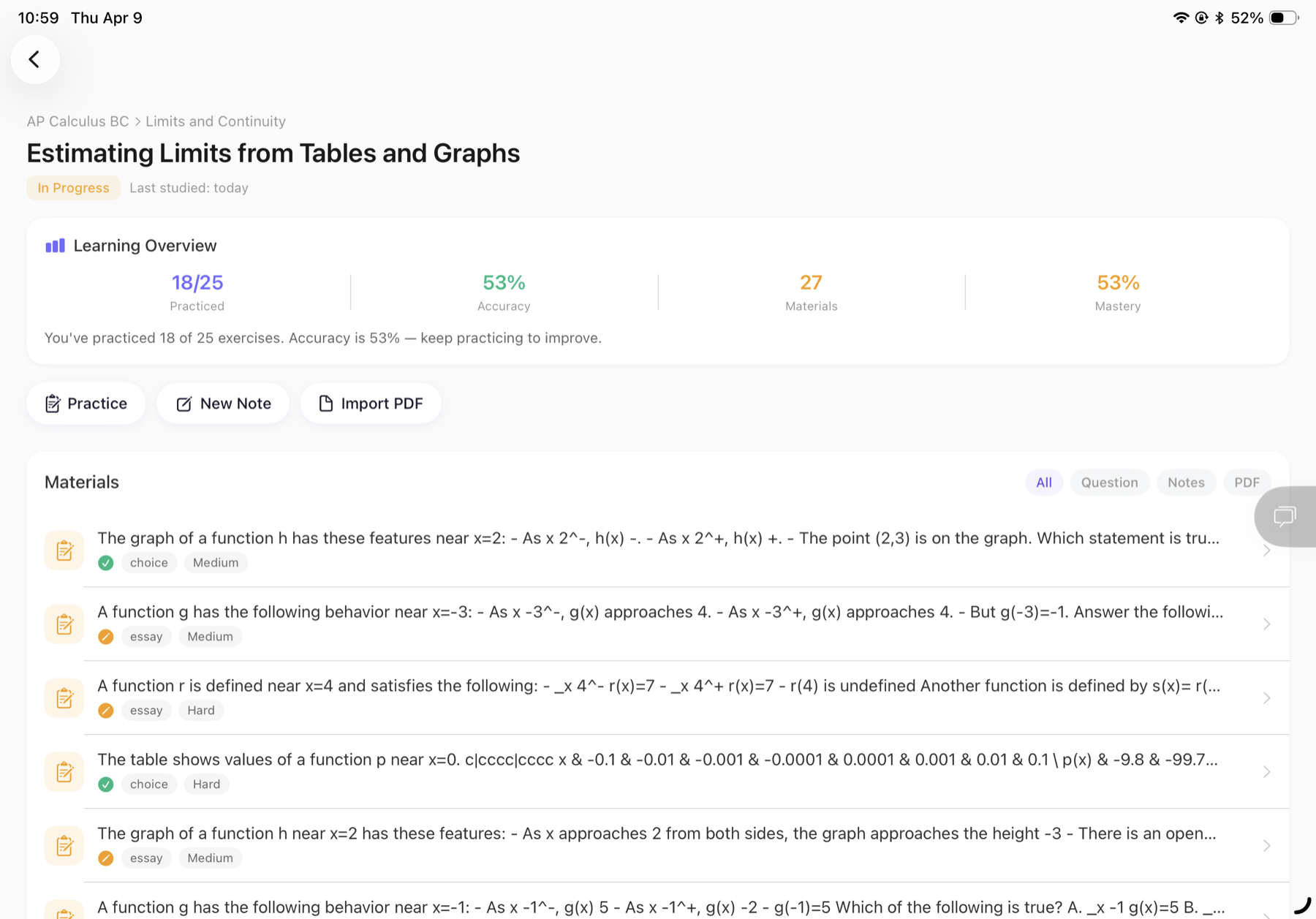
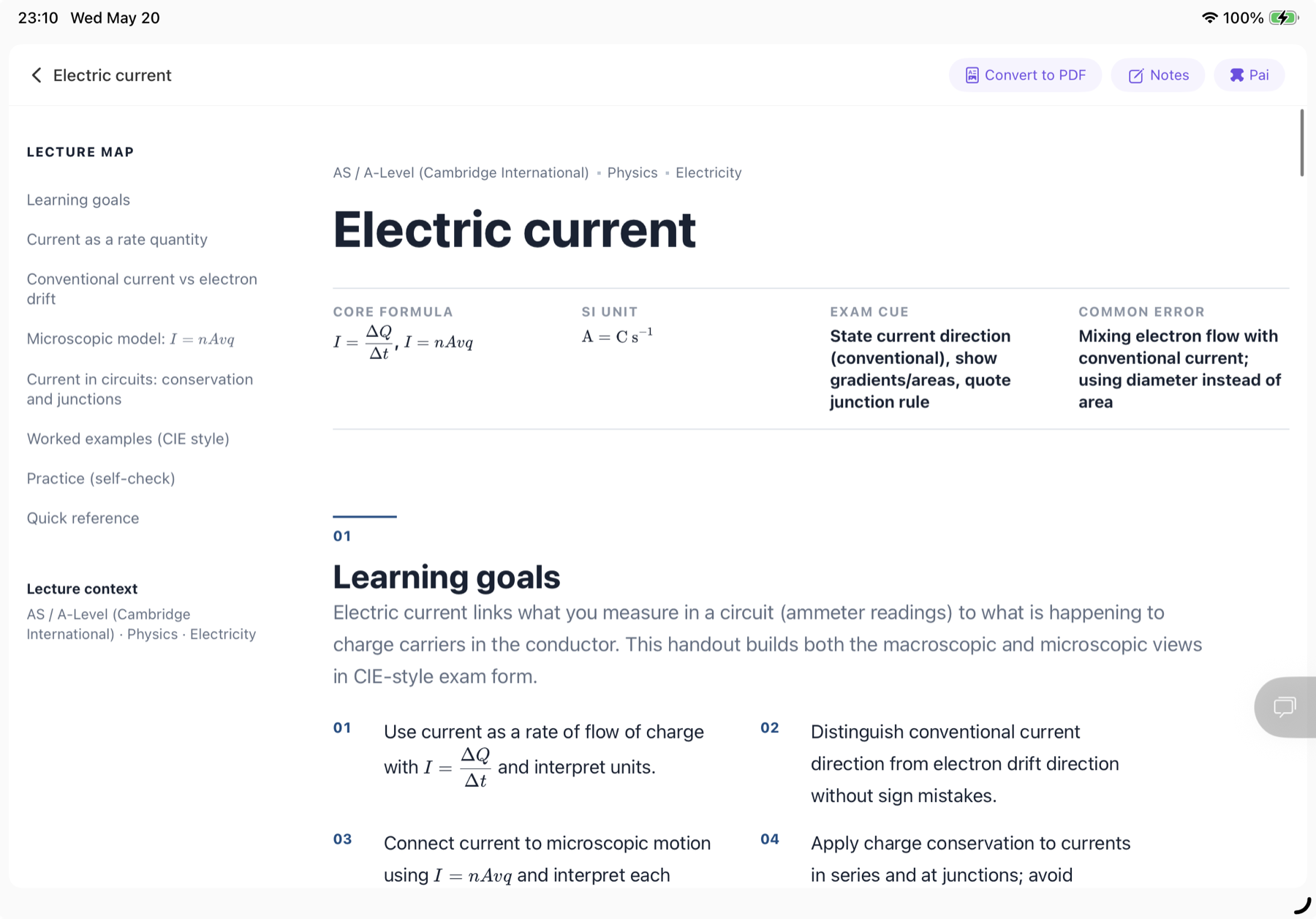
User voices
Representative user stories across school, university, and career upskilling workflows.
PaiNotes focuses on study assistance. Your learning materials are handled for product functionality, not advertising.
FAQ
PaiNotes is currently available on iPad. We may expand to more platforms in the future.
PaiNotes works for anyone studying a course, subject, or exam system, not only full-time students. Choose your curriculum and subjects to build a learning map, then add notes, PDFs, questions, and past papers as you study. PaiNotes keeps the materials connected to topics and concepts so you can review weak areas, ask Pai for help, and practice with context.
You can import PDFs, images, class notes, worksheets, past papers, textbook pages, and documents such as Word, PPT, or Keynote files that can be converted to PDF. Add a file from the home action or a concept page, then open it as a study material, annotate it, ask Pai about the content, and keep it connected to the right topic.
Yes. Open a PDF, worksheet, or past paper in split-screen mode, write with Apple Pencil, and use the Pai panel beside the material when you get stuck. For homework, take a photo of a question: PaiNotes can recognize the problem, solve it step by step, save it as a structured exercise, and connect it back to the relevant concept for later practice.
PaiNotes offers a free trial and optional paid subscriptions. Current plans, prices, and renewal terms are shown in the App Store before you subscribe, and you can manage or cancel subscriptions through your Apple account.